ICAP-report
Reporting features within the Halo portal include ICAP, presenting summaries and trends of ICAP request details.
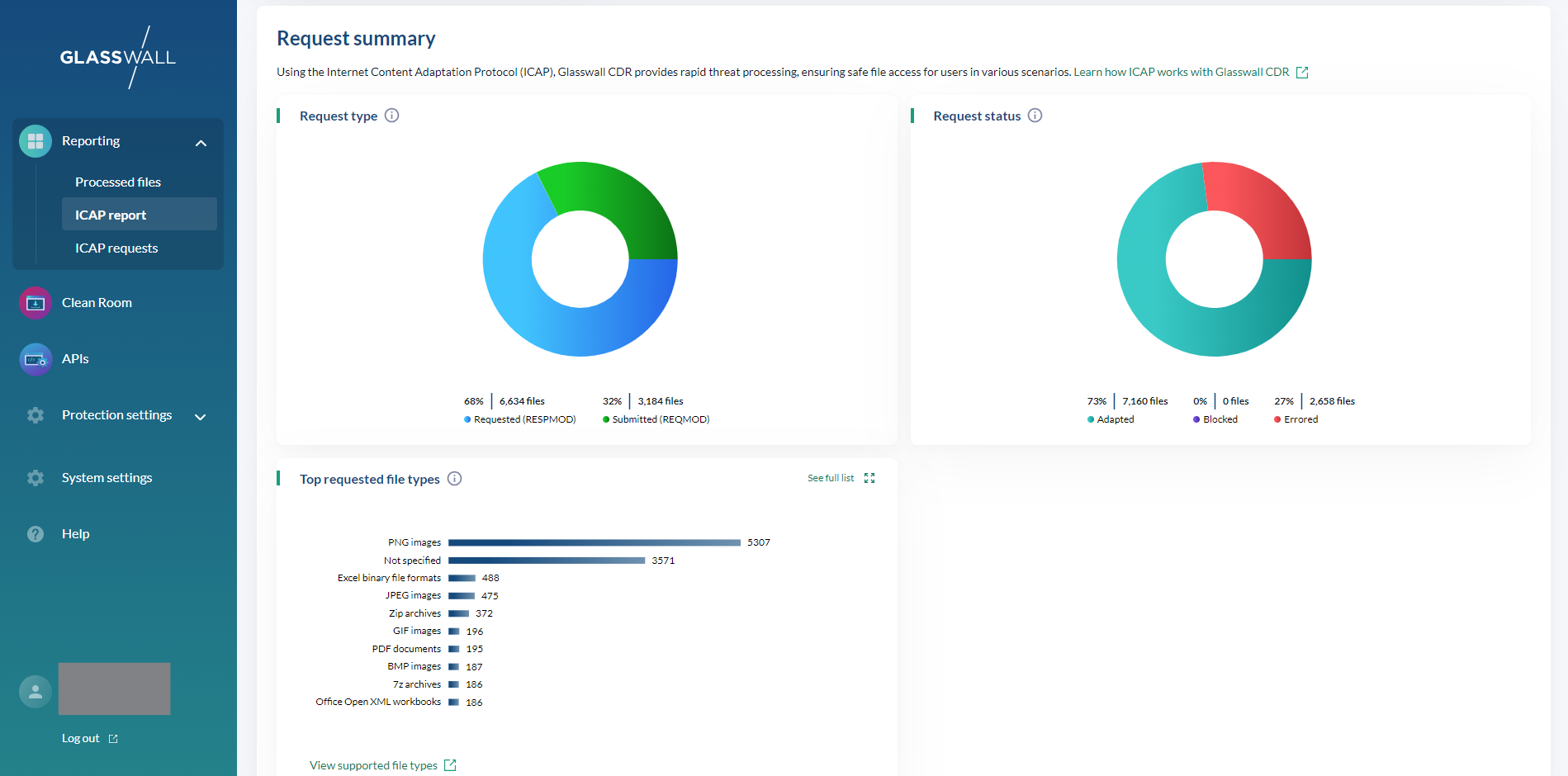
The Request summary section displays the following visualization summaries:
- Request type
- Requested, also known as RESPMOD, such as when a user tries to download a file from the internet
- Submitted, also known as REQMOD, such as when a user tries to upload a file into your organisation
- Request status
- Adapted: request was successfully adapted and contains sanitzied content
- Blocked: request was blocked and content was replaced with report to inform user that type of content is not permitted
- Errored: request could not be processed and was replaced with an error report to inform user
- Bypassed content is not displayed in the list of ICAP requests
- Top requested file types
- Ordered list of file types within the ICAP requests content
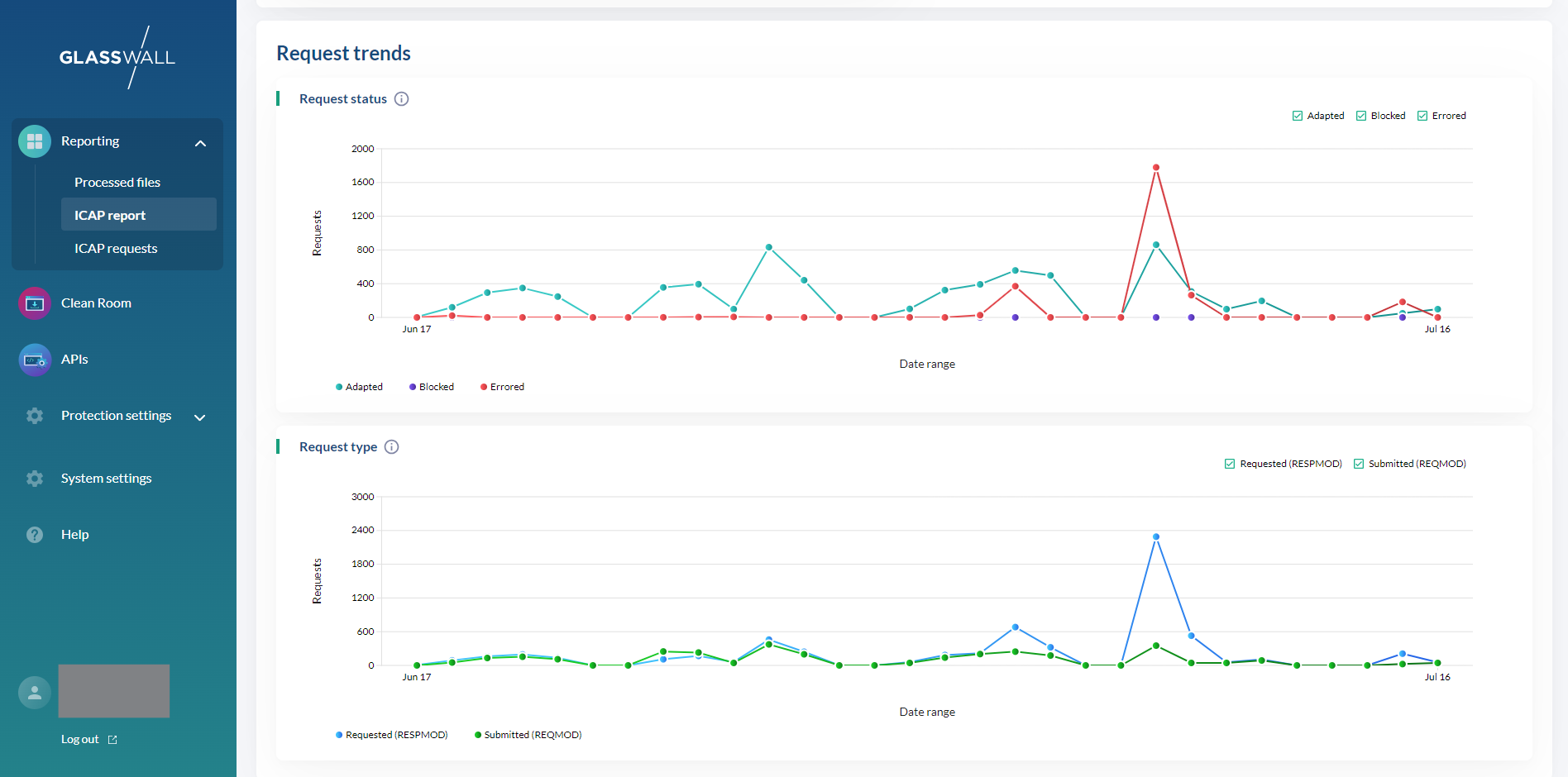
The Request trends section displays the following trend charts, giving a view of how ICAP requests compare over time:
- Request status
- Request type