Create-Instance
# Glasswall Halo on EC2 instance
Follow these instruction to deploy an EC2 instance with Glasswall Halo running on it using Glasswall Halo AMI.
Pre-requisites
- An AWS account
- Permissions to deploy an EC2 instance
- Basic knowledge of Linux
Create Instance
- Login to AWS and click on
Launch instancefromEC2.
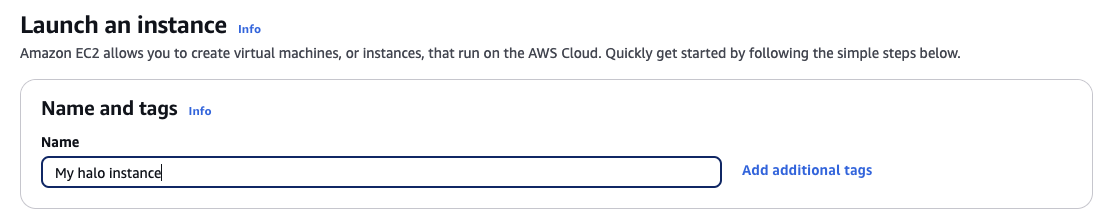
- Give a name to the instance, e.g.
My halo instance - Click on
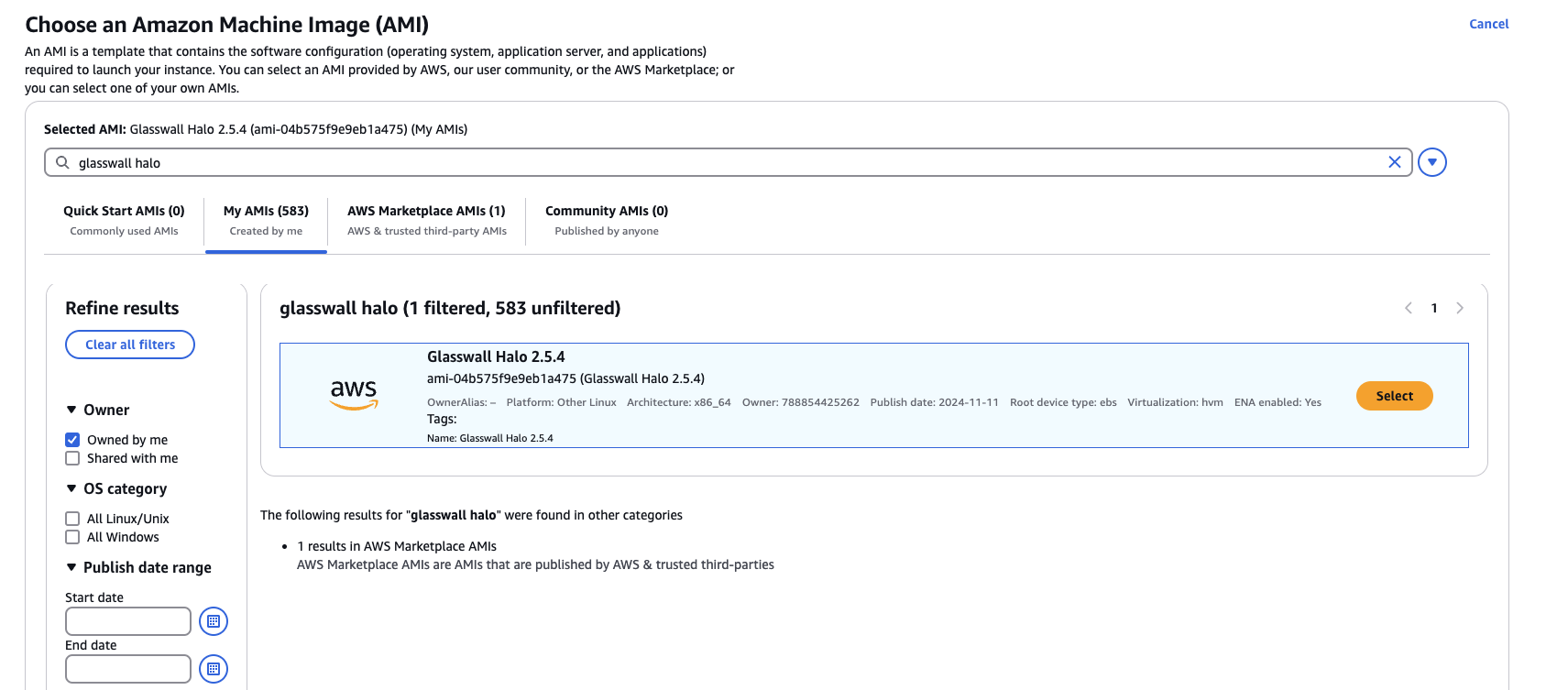
Browse more AMIsand search forGlasswall Halo - Select the Glasswall Halo 2.5.4 AMI.
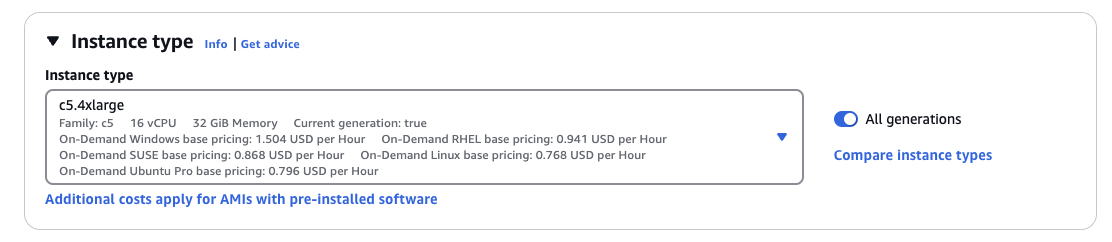
- Choose an instance type with at least 16 cores and 32GB memory. e.g. c5.4xlarge
- Select or create a new key pair. This is to securely login to the EC2 instance using a private key.

- Under Network settings, choose the desired VPC and subnet.

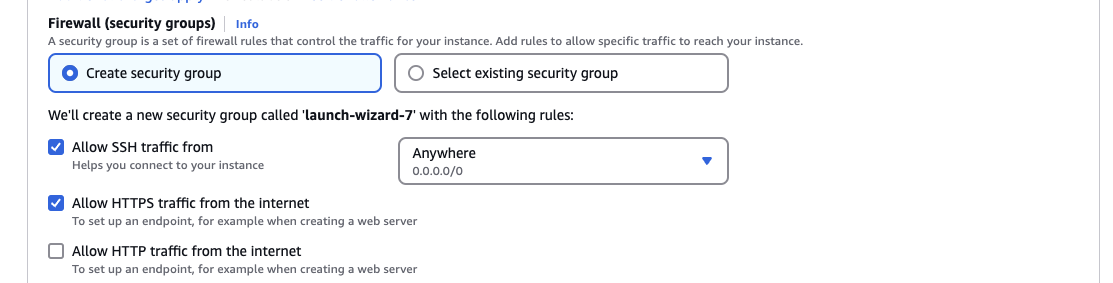
- Create a security group to allow inbound port 22 for SSH and 443 for Halo API
- Update storage to 500GB.
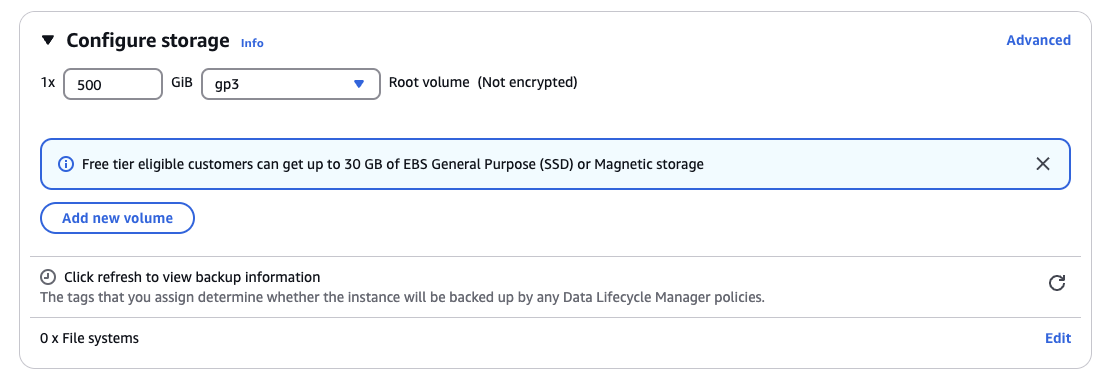
- Finally, click on
Launch instance.